
ICC Legacy Editor
A free database editor for every International Cricket Captain from 1998 to 2006. Edit players, squads, teams, grounds, fixtures and pictures, then play your changes in the game.
Download
Version 1.7, for Windows. Free, with no account and no catch. Unzip it anywhere and double-click ICC Editor.exe; there is no installer.
The editor is digitally signed. For a few days after a new version, Windows may still say Windows protected your PC. Click More info, check the publisher is LSL Ventures Pty Ltd, then Run anyway.
Playing on Windows 10 and 11
The old ICC games draw their screens with DirectDraw, which modern Windows handles badly: black screens, flicker or a crash at start. The fix is cnc-ddraw (opens in a new tab), a free replacement for those graphics. Here it is, ready to drop in.
- Copy
ddraw.dll,ddraw.iniand theShadersfolder into your game's folder, next to the game's.exe. - Start the game as usual.
For windowed mode or scaling, run cnc-ddraw config.exe from the game's folder; the shaders are optional looks you can pick there. To undo it, delete what you copied. cnc-ddraw is made by FunkyFr3sh, not by us, and is open source under the MIT licence.
What you can edit
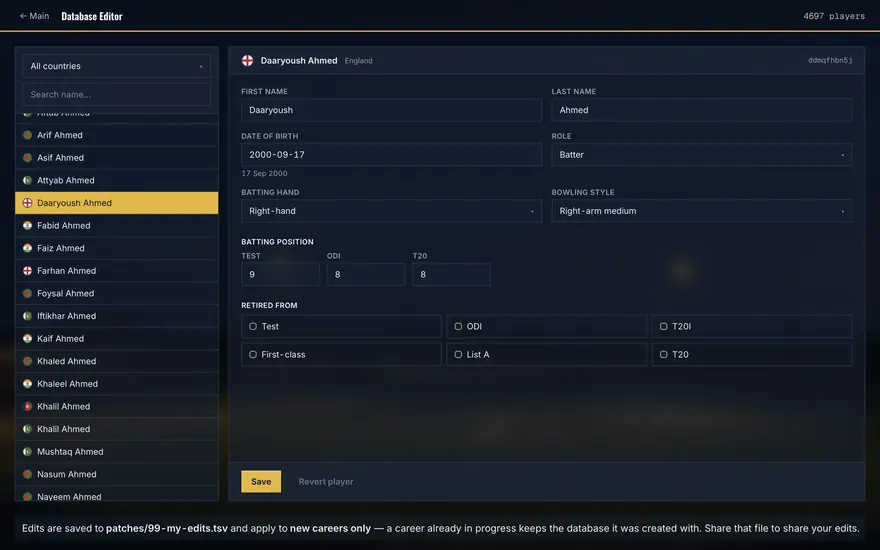
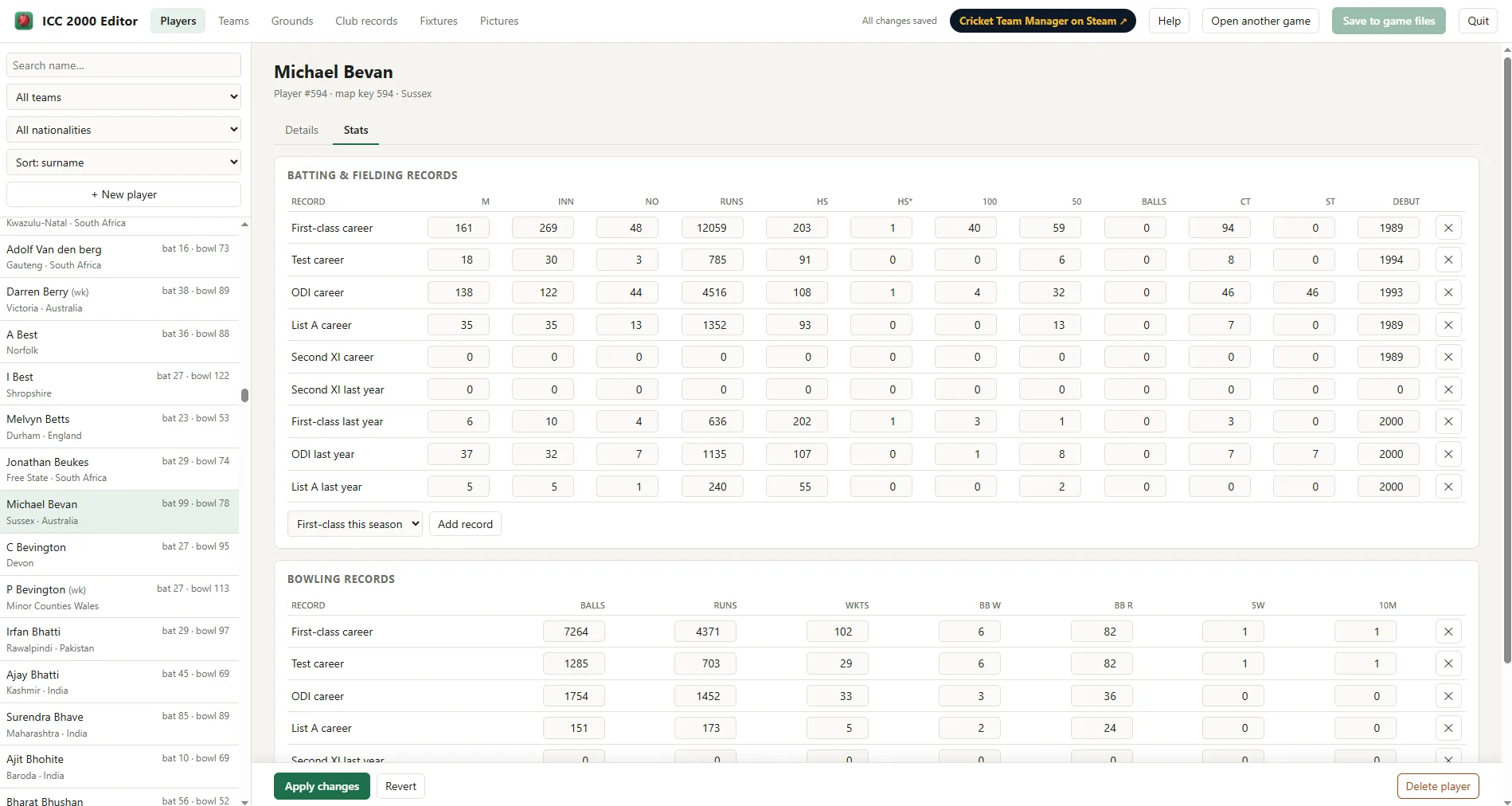
- Players: name, date of birth, county and national team, wages, every batting, bowling and fielding ability, role, fitness, loyalty and contract.
- Career records for every format the game keeps: Test, ODI, first-class, List A and more.
- New players, copied from any player you pick as a template, so you can finally get the current lot into ICC 2000. Deleting a player takes them out of every squad and XI too.
- Teams: names, squads and the picked XI, with batting order, captain, keeper and opening bowlers.
- Grounds, and each club's record book.
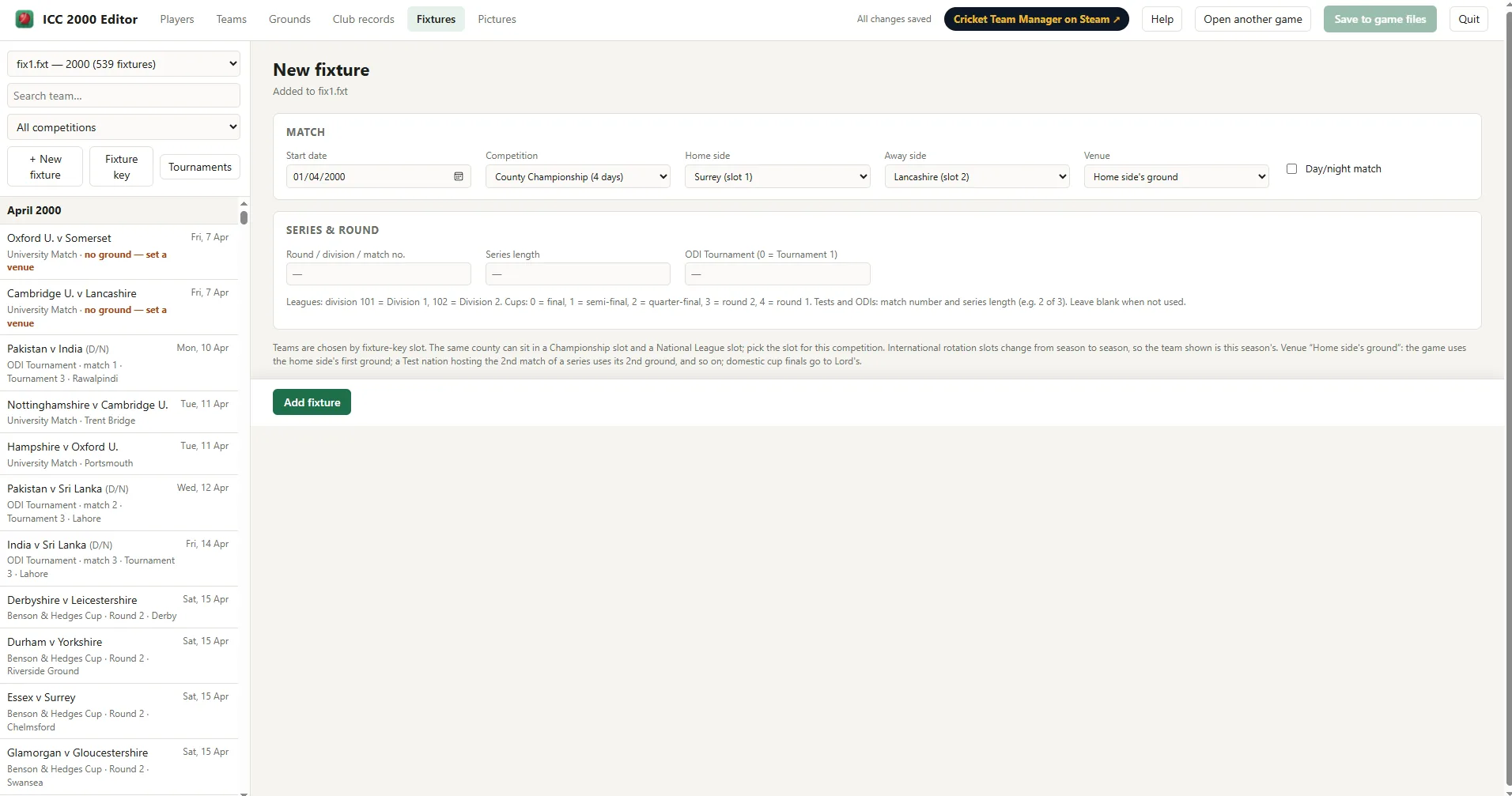
- Fixtures: dates, venues, home and away, day/night, and which division each county plays in.
- ODI tournaments: set up a triangular series like an Asia Cup and the editor writes every match.
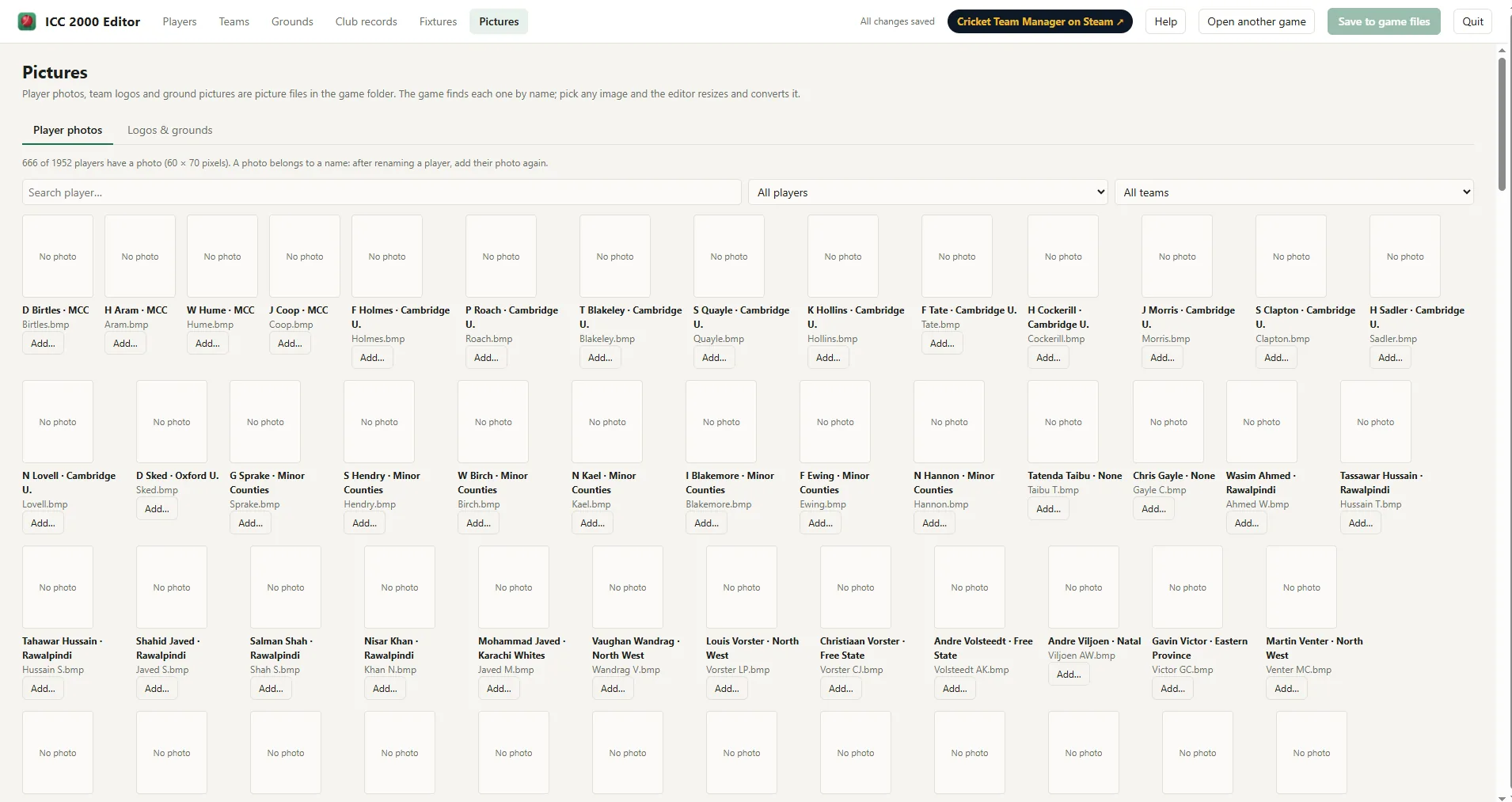
- Pictures: player photos, team logos and ground pictures. Pick any image and it is cropped and converted for the game.
It reads the game's own files and writes them back in the same format, so the game loads your edits like its original data.
Supported games
- ICC 1998
- database.db and the fixture files. Fixtures are editable; there are no club record books.
- Australian Cricket Captain
- The 1998 Australian edition. Same files as ICC 1998, plus Second XI records.
- ICC 2 (1999)
- database.db. Club records are editable; fixtures are built into the game.
- ICC 2000, 2001, 2002
- dataT.db and DataP.db plus the fixture files, including each season's ODI tournaments.
- ICC 2005
- dataT.db and dataP.db plus the Fxt folder, one fixture file per season.
- ICC 2006
- The Data and Fxt folders. Exact ability values and Twenty20 career records.
The editor finds the files and works out which game it is by itself. Community updated databases open too, as long as each player file stays with the team file that came with it.
Getting started
- Unzip the download anywhere, such as your Desktop. Keep
ICC Editor.exenext to itsruntimefolder. - Close the game, then open the editor and click Choose game folder…. Folders that hold an ICC game are marked, with an Open button.
- Make your changes and press Apply changes on each page. Nothing is written yet.
- Press Save to game files.
- Start a new career or game. Your edits are in.
A saved career keeps its own copy of the data it started with, so edits show up in a new one. The Help button inside the editor has the full guide.
Your original files are safe
Every save first copies each changed file to a .bak-date-time file beside it. The new files are checked by reading them back before anything is written, and the databases, fixtures and pictures are saved together or not at all. To undo a save, delete the file and rename its backup back.
Save says it is not allowed to write
Close the game if it is running. Windows also protects games installed under Program Files: move the game to a folder such as C:\Games, or edit a copy and copy it back.
Limits of the old games
The editor knows these and stops you hitting them, but they explain why some edits are refused.
- Only Test nations can play Tests, ODIs and triangular series. Associates can only appear in World Cup fixtures; anything else crashes when the match starts.
- Most Associates have no ground in the database, so a home fixture for one needs a venue set by hand. The editor flags these.
- ODI tournaments take exactly three Test nations, at most five a season, all played at the host's grounds.
- The World Cup's teams and timing are built into the game and cannot be changed.
- Batting: higher is better. Bowling and economy: lower is better, like a bowling average.
Who made this
It's made by the developer of Cricket Team Manager (opens in a new tab), a new cricket management game for Windows & macOS. If you still play the old ones, you might like it: national teams, full careers, and a ball-by-ball engine across Tests, ODIs and T20s. There is a free demo of 5 matches.
Found a bug, or a database it will not open? Email support@cricketteammanager.com or ask on Discord (opens in a new tab).
Small print
ICC Legacy Editor is a free, unofficial, fan-made tool. It is not affiliated with or endorsed by the makers or publishers of International Cricket Captain, or by the International Cricket Council. It ships no game files: it edits the files of a copy you already own.